

The Best AI Website Builder Depends on One Question: Do You Want to Keep WordPress?
Ask an AI to build you a website today, and you’ll get an answer in seconds. Wix will chat with you and generate a site on Wix. Claude or ChatGPT will spin up a working prototype you’ll still need to host and maintain. Framer will hand you something beautiful that lives on Framer. Every one of these tools is genuinely good at what it does. None of them leaves you with a WordPress site.
That’s the part most “best AI website builder” roundups skip past. They’ll rank Wix first, Framer second, maybe mention a WordPress-specific tool as an afterthought, and move on. But if your business already runs on WordPress, or you’ve built your SEO, your plugins, and your content around it, “best” isn’t just about which AI is smartest. It’s about which one respects the platform you’re already standing on.
What Is an AI Website Builder, Exactly?
An AI website builder is a tool that turns a written prompt, a brand PDF, or a Figma file into a working website, generating the layout, copy, and images instead of making you build each piece by hand. Most of them do this by creating a new site on their own platform. A newer category, which WPOS falls into, does it by building directly inside a CMS you already run.
That distinction matters more than most “top 10” lists let on, because it changes what you actually own at the end.
The Best AI Website Builders on the Market Right Now
Before getting into WordPress specifically, it helps to know what you’re choosing between. Here’s a fair look at where each one is strongest.
Wix, for most people
Wix is the AI builder most people land on first, and for good reason. You chat with its AI (Aria), it drafts a site, and you finish it inside Wix’s drag-and-drop editor. It’s polished and easy. It also means your site, your blog, your store, and your domain all live inside Wix’s ecosystem, not somewhere you fully own.
Framer, for full design control
Framer leans into design. It uses top-tier AI models to build genuinely custom layouts, and if you’re comfortable with HTML and CSS concepts, it gives you real control over the result. Like Wix, though, the finished product runs on Framer’s platform.
Squarespace and Hostinger, for speed and budget
Squarespace has leaned into a more collaborative AI experience, where the AI builds alongside you rather than taking full control of the layout. Hostinger sits at the budget end, generating a complete starter site, copy included, in under a minute for a few dollars a month. Both are solid choices if you’re starting from nothing and don’t need the site tied to any particular CMS.
Claude, ChatGPT, and other vibe coding tools
Claude, ChatGPT, and other AI coding tools can build you a working site from a prompt, and for a quick prototype or landing page, that’s genuinely impressive. The catch is that everything after the first draft: hosting, maintaining, securing, and updating the code is on you, with no visual editor to fall back on.
10Web, the usual WordPress pick
10Web is the one WordPress-focused option that makes most of these lists, including Zapier’s. It does generate an actual WordPress site from a prompt, which is a real step forward over a fully proprietary builder. The tradeoff is it builds on its own dedicated theme, so it doesn’t plug into a WordPress site you already have. It’s a new WordPress site, just one that an AI built for you.
The Gap: A "Best AI Website Builder for WordPress" Usually Still Means a New Site
Line up Wix, Framer, Squarespace, Hostinger, and even 10Web, and they all share the same starting point: none of them are built to work inside a WordPress site you already have. Wix, Framer, and Squarespace replace it entirely. 10Web gets closer by outputting real WordPress, but it does so on its own theme, not the one your site, your SEO, and your plugins are already built on.
If your site already exists, has a theme, has content, and has plugins your business depends on, that’s the gap none of the tools above are built to close.
WPOS.ai: A WordPress AI Website Builder That Works Inside the Site You Already Have
WPOS.ai takes a different starting point: instead of building you a new site somewhere else, it operates inside the WordPress site you already run. It’s a rare WordPress AI website builder built around the site you have, not the one it wants to give you.
How WPOS actually connects to your site
Setup is a plugin install, not a migration. You connect a client or company site by installing a single plugin, pasting in a license key from your WPOS workspace, and you’re live in under two minutes, according to WPOS. From there, you brief the AI agent the way you’d brief a designer: what the site is for, who it’s for, and the tone it should strike. It audits what’s already on the site, confirms the brand direction with you, and builds section by section in native Gutenberg or Elementor, the same builders already running the site.
What it does and doesn’t touch
The practical difference shows up in what it doesn’t touch. WPOS is built to work alongside your existing theme, plugins, and content rather than replacing them, and it’s designed to support the tools most WordPress sites already run on: Gutenberg, Elementor, Divi, WooCommerce, and ACF, plus WPOS lists compatibility with the broader library of 55,000-plus WordPress plugins. Nothing about the output is proprietary. It’s native WordPress on your own hosting, editable by hand at any point, the same as before you started using AI at all.

Built for agencies managing more than one site
For agencies specifically, that matters even more. Instead of a separate AI tool for every prototype, WPOS runs inside a single workspace where an agency manages credits and builds across every client site at once, closer to how a web design team already operates than how a standalone AI builder does.
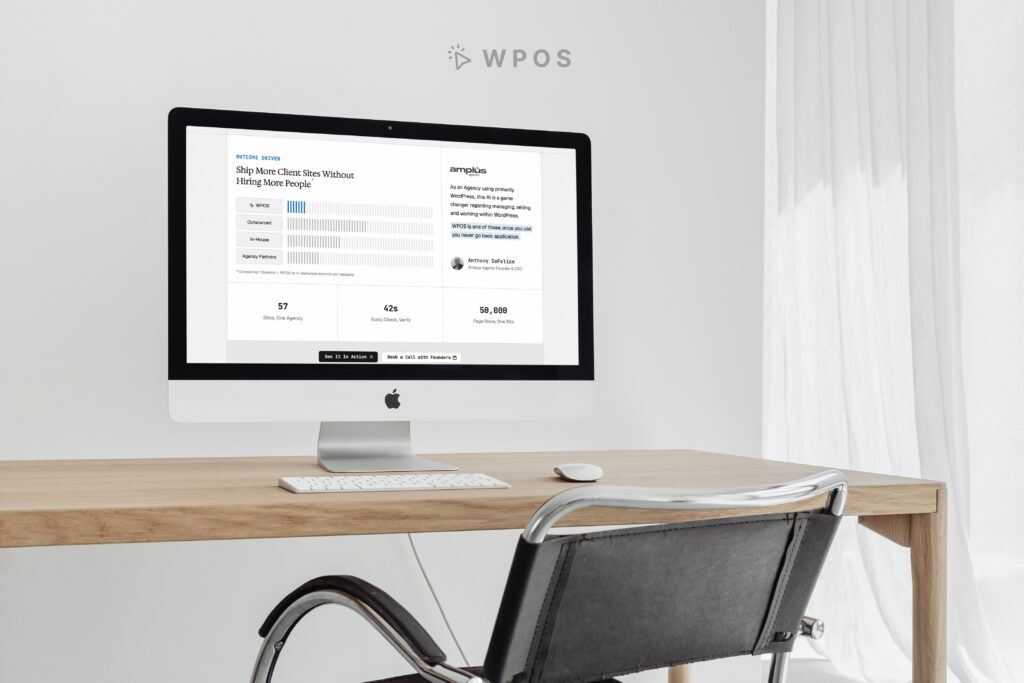
Anthony DeFelice, Amplus’s founder and CEO, is featured on WPOS’s site describing it as a genuine shift in how an agency built around WordPress manages, sells, and delivers client work, the kind of tool that’s hard to go back from once you’ve started using it.
Bring your own AI agent
WPOS also connects to outside AI agents rather than locking you into one chat window. It speaks MCP, so if your team already works in Claude Code, Codex, or Cursor, you can drive a connected WordPress site from there directly instead of switching tools.
Claude, Wix, or WPOS: How to Actually Decide
Boiled down, the choice mostly comes down to what you’re trying to protect:
- Starting from zero and not caring about the platform? Wix or Framer will get you a polished site faster, and you’re not fighting an AI to match an existing brand system.
- Need a fast, throwaway prototype? Claude or ChatGPT will get you there in minutes, just plan on doing the hosting and maintenance yourself afterward.
- Already have a WordPress site, or a WordPress-based business, and don’t want to start over? That’s the situation WPOS is built for. It’s the option that treats WordPress as the destination, not something to migrate away from.
Search engines don’t reward a rebuilt site just because AI built it, and neither do the plugins, integrations, and content history a business has already accumulated. For a WordPress site with real history behind it, the “best” AI website builder is the one that adds to what’s already working instead of replacing it.
If you’re not sure whether your current site is the right foundation to build on, that’s the first thing worth getting a second opinion on before picking any AI tool at all.
FAQ
What’s the best AI website builder if I already have a WordPress site?
WPOS.ai since it’s built to work inside an existing WordPress site rather than generate a new one on its own platform.
Does WPOS.ai work with a WordPress site I already have, or only new sites?
Both. WPOS connects to any WordPress site, new or existing, and is designed to work alongside the current theme, plugins, and content rather than replacing them.
Will an AI website builder break my existing theme or plugins?
With WPOS specifically, no. It’s built to create isolated, scoped changes that don’t interfere with your existing theme or plugins, so the rest of the site stays as it was.
Do I need to know how to code to use it?
No. You brief it in plain language, the same way you’d brief a designer, and it plans and builds the work in stages you can review and steer.
What does WPOS.ai cost?
A 30-day free trial with 10,000 credits, no card required. After that, $25 per site, scaling down to $19.50 as you add more sites.
Can I use my own AI agent instead of WPOS’s built-in one?
Yes. WPOS supports MCP, so it can be driven from Claude Code, Codex, Cursor, or any other MCP-eligible agent, in addition to its own built-in agent.
Ready to see it in action? Try WPOS.ai free for 30 days and build inside the WordPress site you already have.
Ready to Build on the WordPress Site You Already Have?
WPOS.ai works inside your existing WordPress site: your theme, your plugins, your content. See what it can do before you rebuild anything.